

How to host a party game on a video call
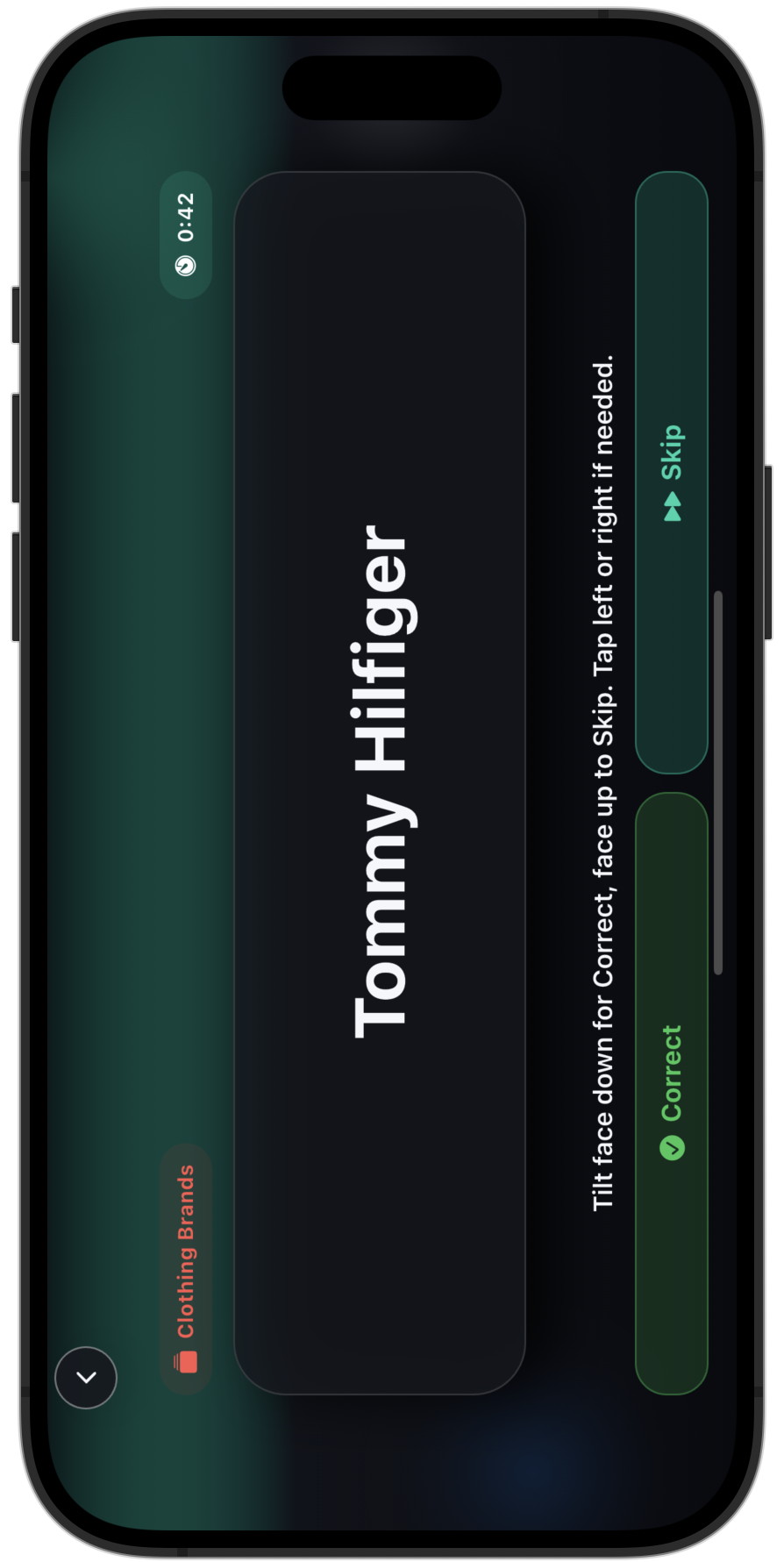
The setup is one host, one phone, one call. The host opens a mode, reads the prompt aloud, and the players on the call answer in turn. You do not need a multiplayer lobby because the host carries the game for the whole group.
Pick a host who likes to run a room. They keep the pace, call on the next player, and read the screen so the rest of the call follows along. A good host turns a quiet call into a game night.
Share the screen if the mode reads better seen than heard, or keep the phone to yourself and read prompts aloud. Both work. The choice depends on whether the round needs players to see the words.
Which modes work best over a call
Guess That Word is the easiest to host remotely. The host gives the clues or calls on a player to give them, and the rest of the call guesses. The rules survive being read aloud, which is the test for a remote mode.
Sing That Song suits a music-heavy group on a call. The host names the prompt, players sing or shout the title, and the room reacts across the screen the same way it would in person.
Alphabet Game adds a competitive round. The host runs the timer, players answer in turn, and the back-and-forth keeps a remote group leaning in instead of checking other tabs.
- Guess That Word: cleanest mode to host by voice.
- Sing That Song: best for a music-loving remote group.
- Alphabet Game: competitive turns that hold attention on a call.
Keeping a remote group engaged
Call on players by name. A video call drifts the moment people feel like spectators, so the host should rotate turns and pull in the quiet squares on the grid.
Keep rounds short. Remote attention runs shorter than in-person attention, and short rounds give people a reason to stay on camera rather than wander off mid-game.
Switch modes before the energy dips. Two or three modes across a call give the group variety without anyone leaving the meeting to set up something new.
What you need and what you do not
You need a video call the group already uses and one phone running the app. That is the whole kit. The mode runs on the host's device, so the call platform does not matter.
You do not need every player to own the app, install anything, or create an account. One download on the host's phone covers the entire call, which makes a remote game night easy to spin up on short notice.