



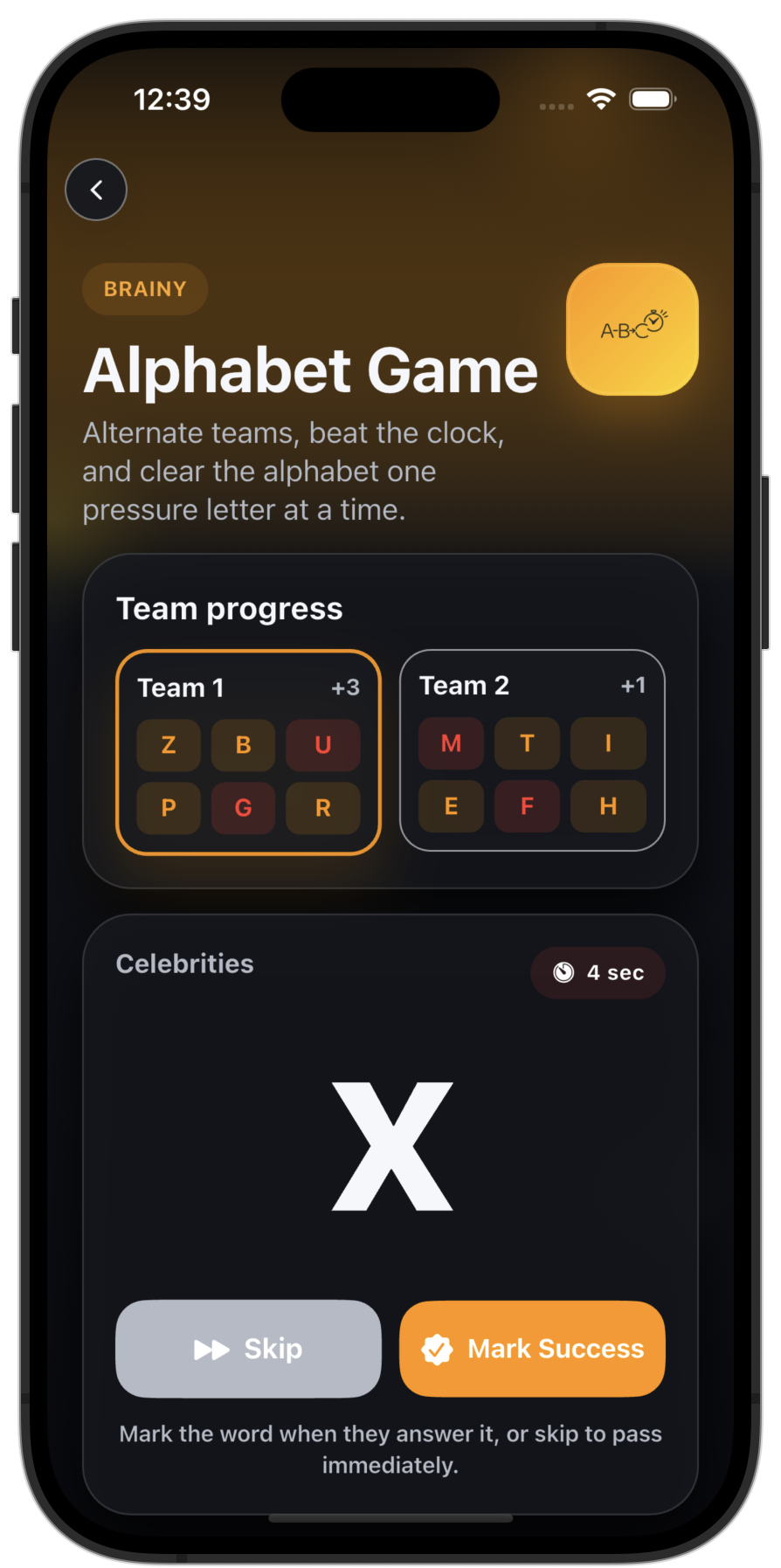
A host reads these modes aloud, which works when the group is split across a video call.
 Life of the Party
Scenario guide
Virtual Party Games
Virtual party games one host runs over Zoom, FaceTime, or Meet. Only the host needs the app — everyone else just plays along on the call.
Matched modes
3 picks
Setup
Quick local play
Platform
App Store
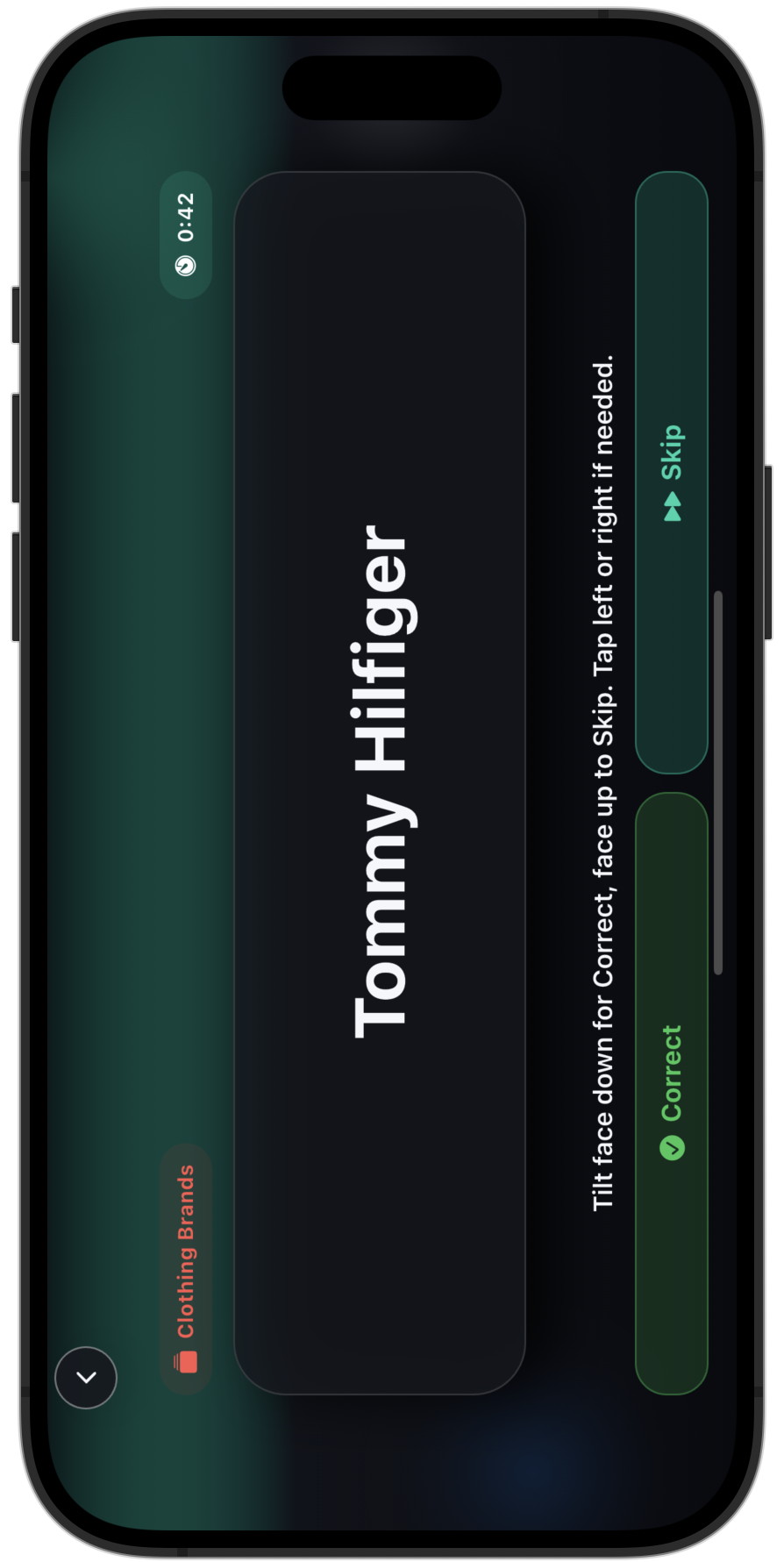
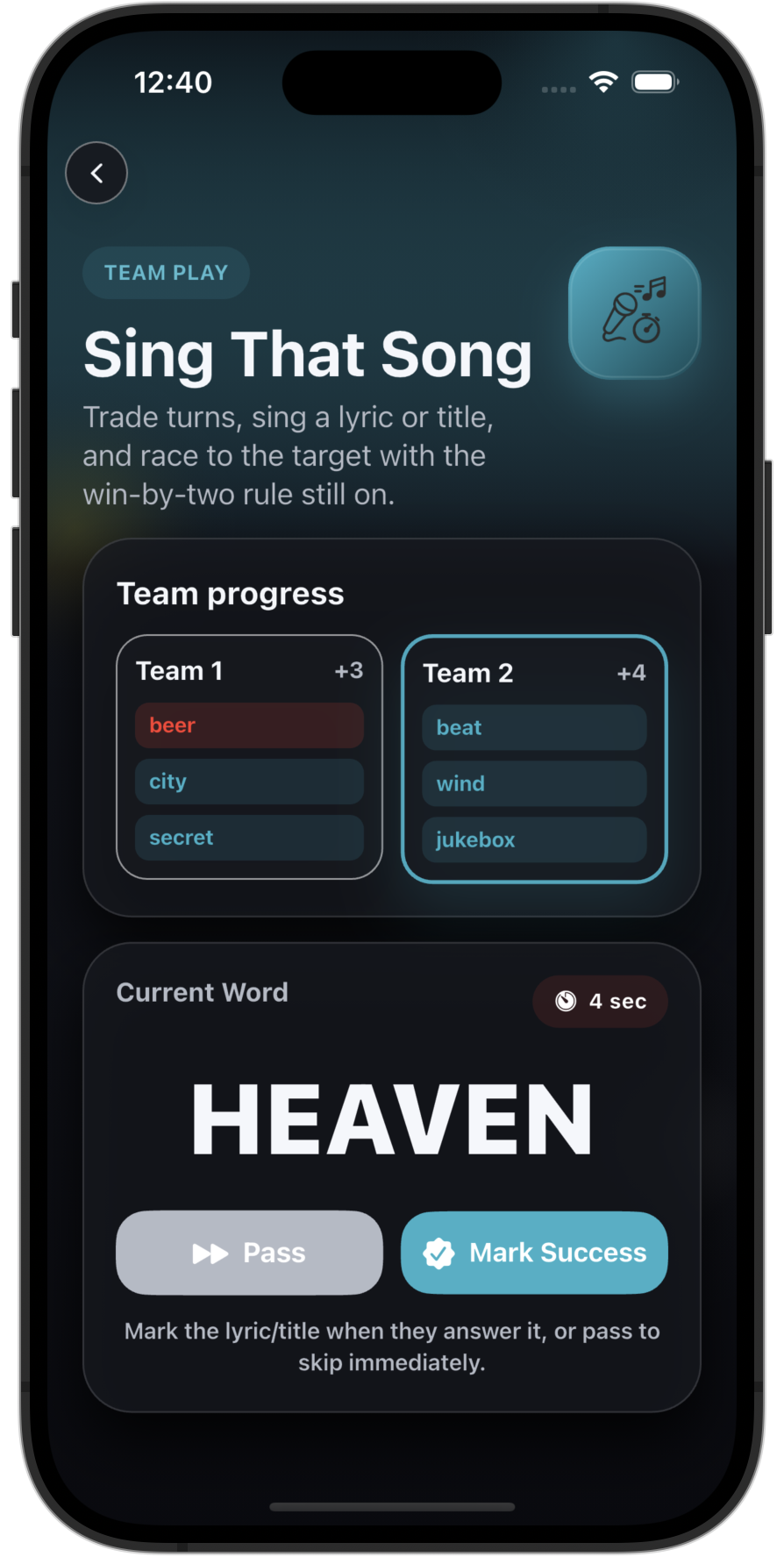
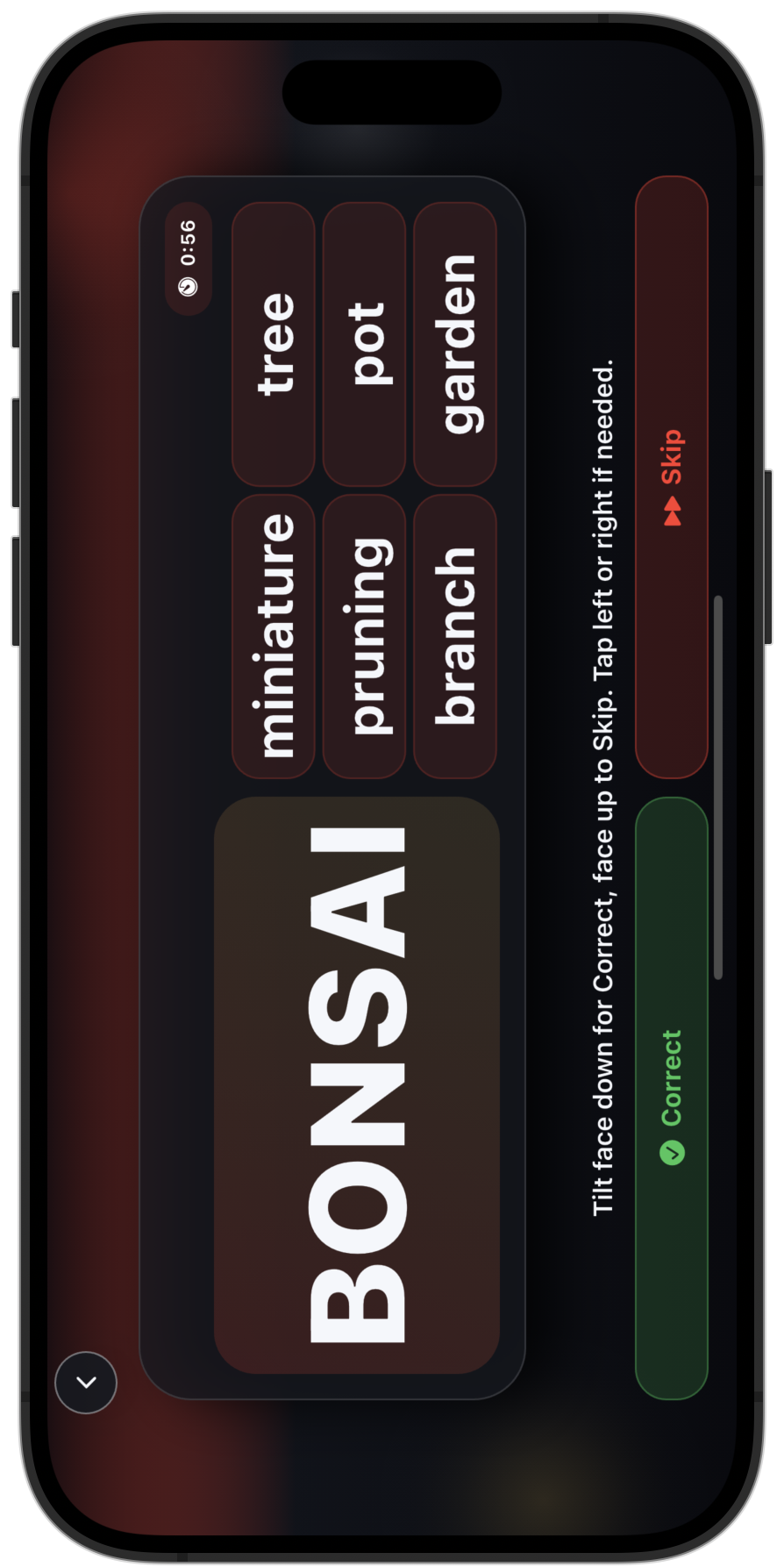
Best picks
Choose the mode that matches the room.
For video calls and remote hangs where one host phone can still anchor the fun.
Why this mix works
These recommendations fit the mood without slowing the night down.
The instructions stay short, so the host carries the round without stalling the call.
The mix keeps the group social even when nobody shares the same phone.
The full picture
What to expect from virtual party games.
The app runs local play, not online multiplayer, so a remote night works through one host instead of a shared lobby. That host opens a mode, reads the prompts aloud or shares their screen, and calls on players in turn. The modes that translate best are the ones whose rules survive being read out: Guess That Word, Sing That Song, and Alphabet Game.
Only the host needs the app, which makes a remote game night easy to spin up on short notice. The platform does not matter, because the game lives on the host's phone rather than inside Zoom or Meet. Calling on players by name and keeping rounds short holds a remote group's attention better than letting the call run open.
This setup fits a remote team social, a long-distance friend group, or family spread across time zones. Anyone who can join a video call can play, with no install step to walk a less technical guest through. The host carries the friction so the rest of the call only has to show up and answer when their name comes up.
Lean on modes that read well by voice. Guess That Word survives being narrated, Sing That Song turns a call into a sing-along, and Alphabet Game's timer gives a remote group the urgency that a screen otherwise drains. Skip anything that depends on passing a physical phone, since that is the one thing a call cannot reproduce.
Set up the night
Get virtual party games going in a few steps.
- Pick one host to run the game from their phone for the whole call.
- Start the video call the group already uses on Zoom, FaceTime, or Meet.
- Open Guess That Word and have the host read prompts aloud or share the screen.
- Call on players by name in turn, and switch to Sing That Song or Alphabet Game to keep it fresh.
Download
Need a party-game pick for virtual party games?
Download Life of the Party from the App Store and start with one of the recommended modes above.
FAQ
Planning notes
Is the app online multiplayer?
No. The app runs local group play. For a call, one person hosts from their screen and the rest play off the prompts.
Which remote-friendly mode should I try first?
Open Guess That Word, then add Sing That Song for a music-heavy group.
How does the host share the prompts on a call?
The host reads the screen aloud or shares it on the call, then calls on players to answer in turn.
Does it work on Zoom, FaceTime, or Google Meet?
Yes. The mode runs on the host's phone, so the call platform does not matter. Any video app the group already uses works.
Related guides